How to Sell Digital Products on Payhip: Setup Guide for Beginners
Payhip is one of the simplest ways to sell digital downloads: it takes the payment, delivers the file and handles EU VAT calculation. Here’s the setup from zero.
1. Create your store
Sign up, choose a store name and a short username - it becomes your store link. You can use Payhip’s storefront or link to it from your own website.
2. Connect payments
Connect PayPal and/or Stripe in the payment settings. Until one is connected, customers can’t buy.
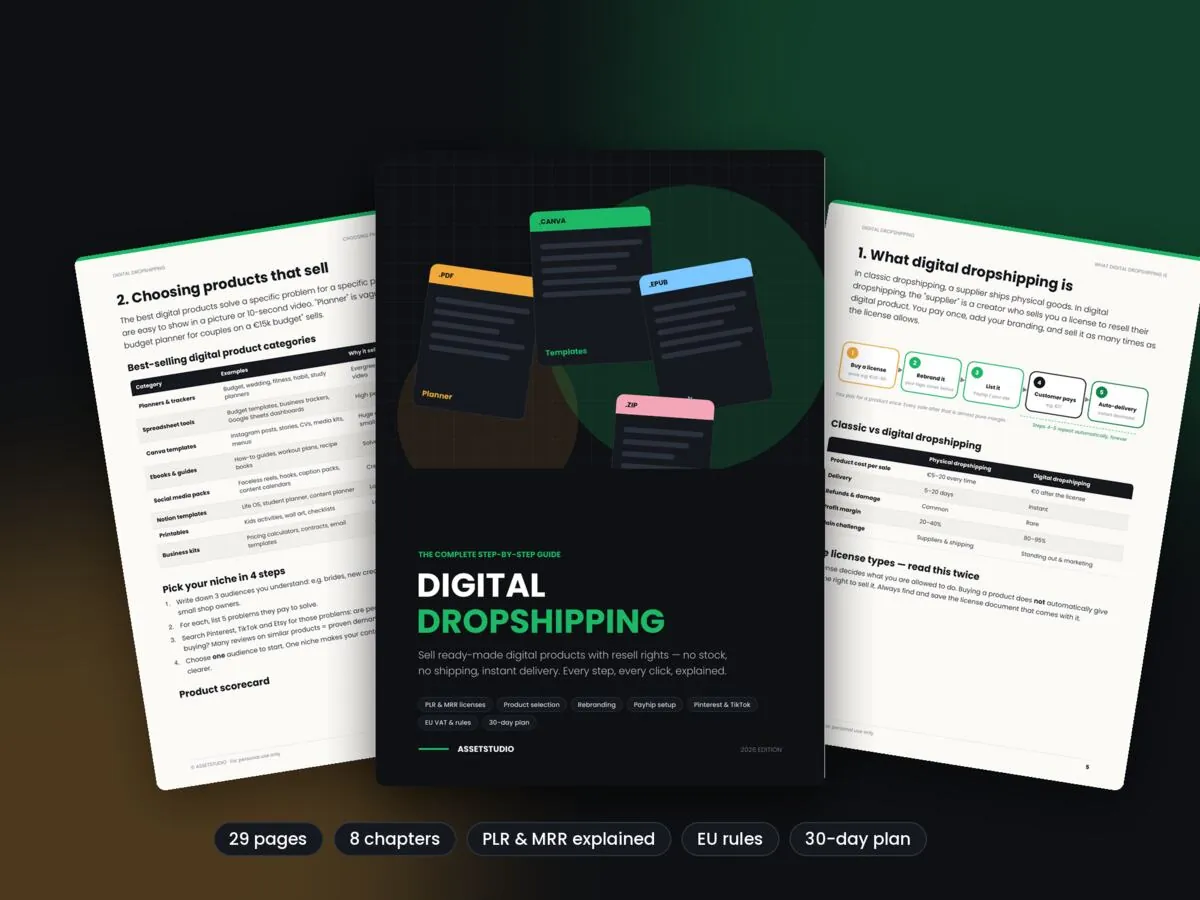
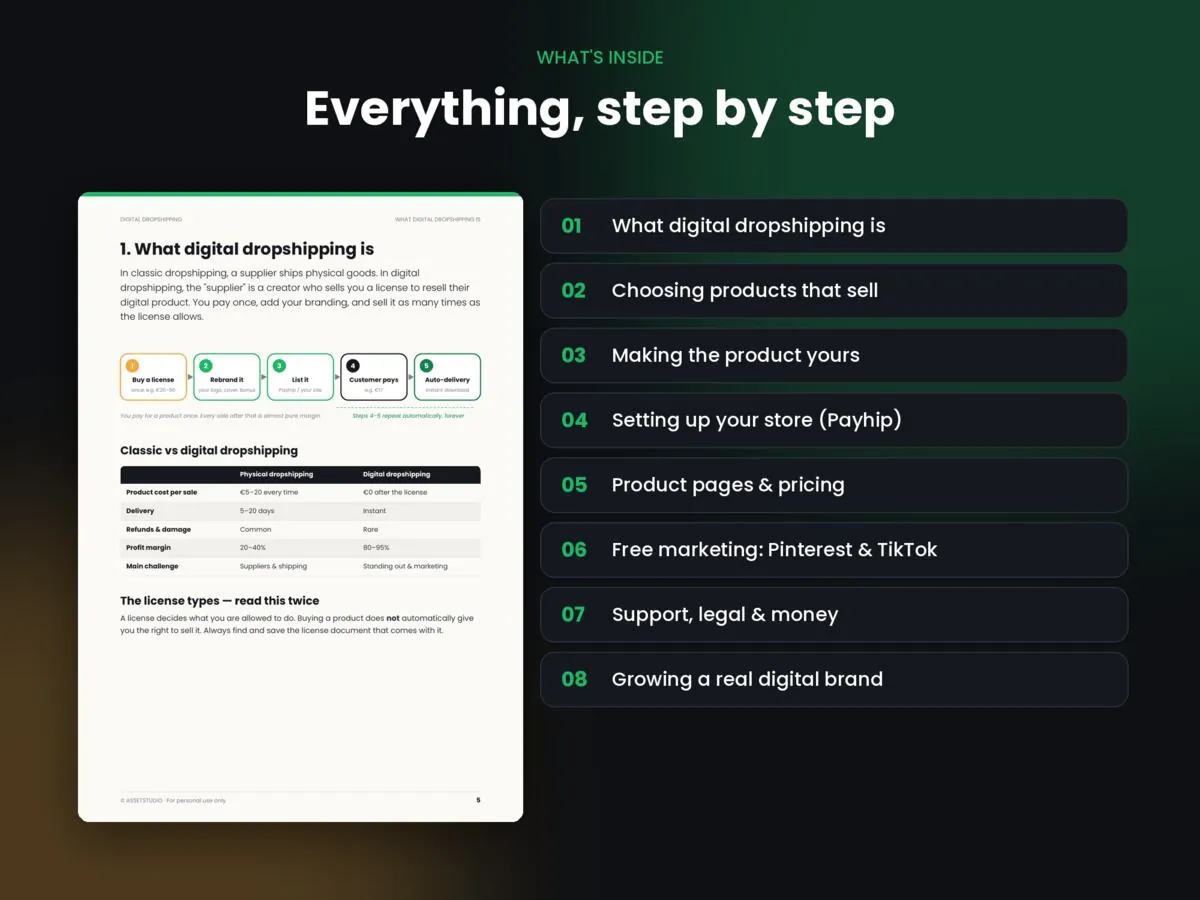
Digital Dropshipping Guide
Sell ready-made digital products with resell rights - every step explained, from licenses to first sale.
See the Ebook for €123. Set currency and taxes
- Choose your currency (e.g. EUR).
- Enable EU VAT handling so the right VAT is applied to EU buyers.
- Decide whether your prices include tax - showing the final price avoids checkout surprises.
4. Upload a product
- Add Product → Digital Download
- Upload the file(s) - several files or one ZIP
- Add a clear title, price, images (the first image is the main one) and a description with “what’s included”
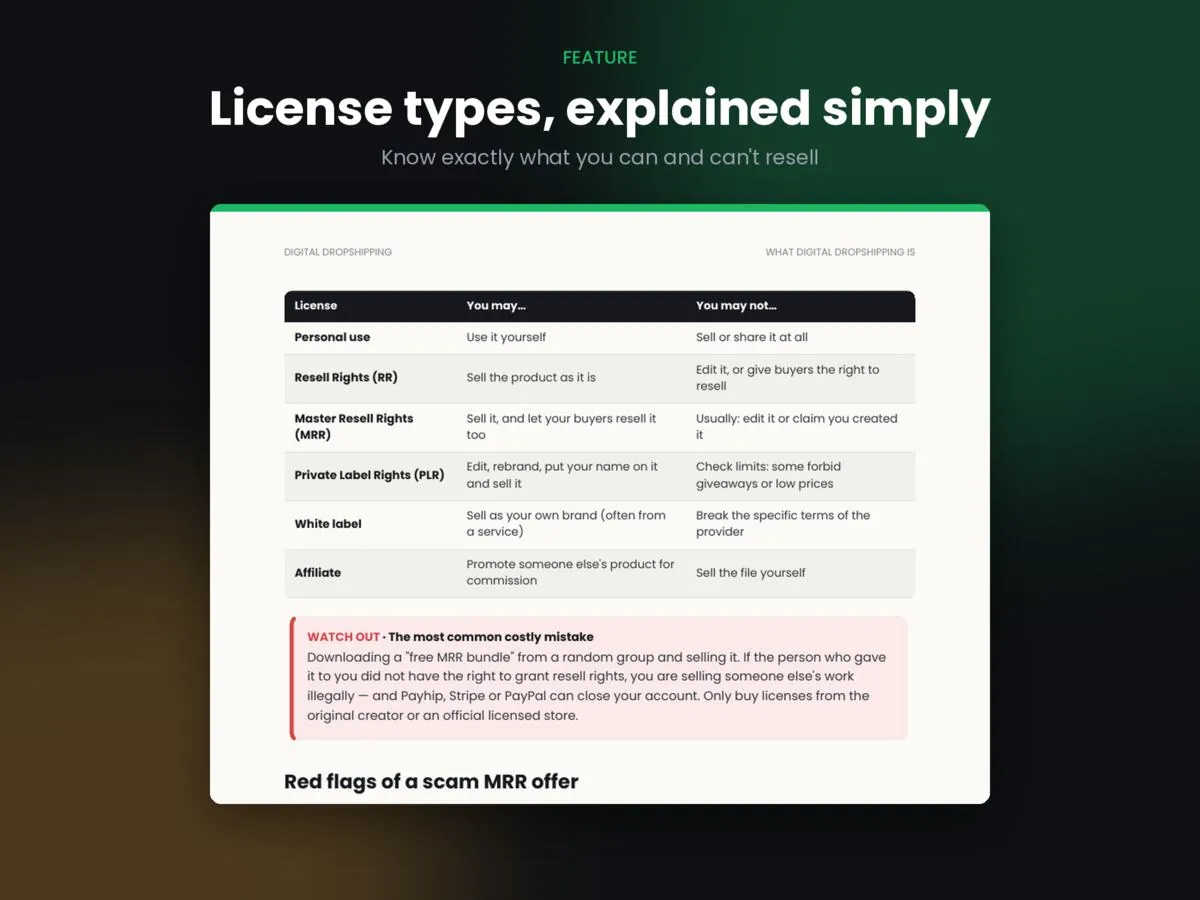
- Add a short license note (e.g. personal use only)
5. Add a coupon and test
Create a 100% coupon, “buy” your own product and check the download, email and file. Then create a launch coupon for real customers.
6. Sell from your own website
Link your “Buy” buttons to your Payhip product link, or use Payhip’s embed script so checkout opens as an overlay on your site.
FAQ
Payhip has a free plan that charges a transaction fee per sale, plus paid plans with lower fees. Check their current pricing page.
Payhip can calculate and charge EU VAT at checkout. You are still responsible for your own tax reporting, so confirm details with an accountant.